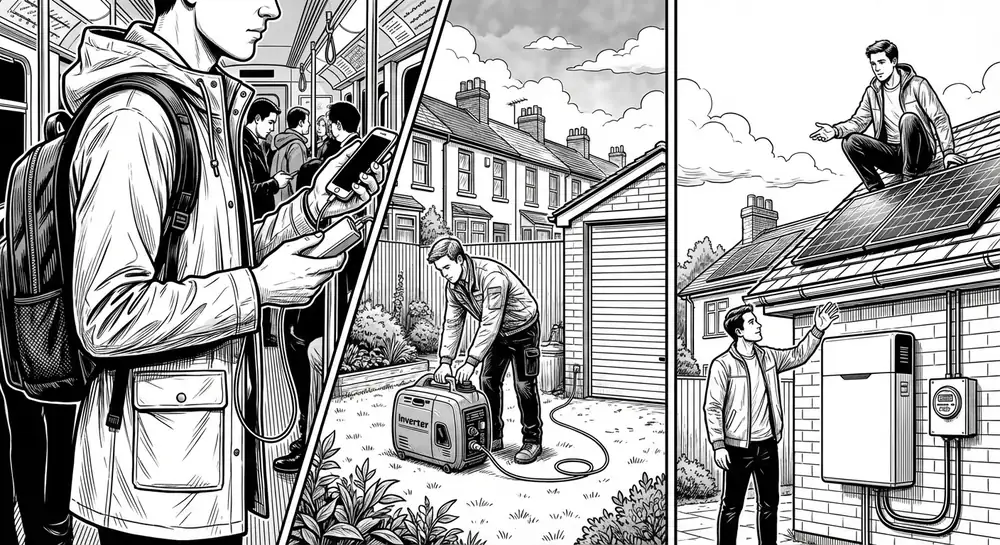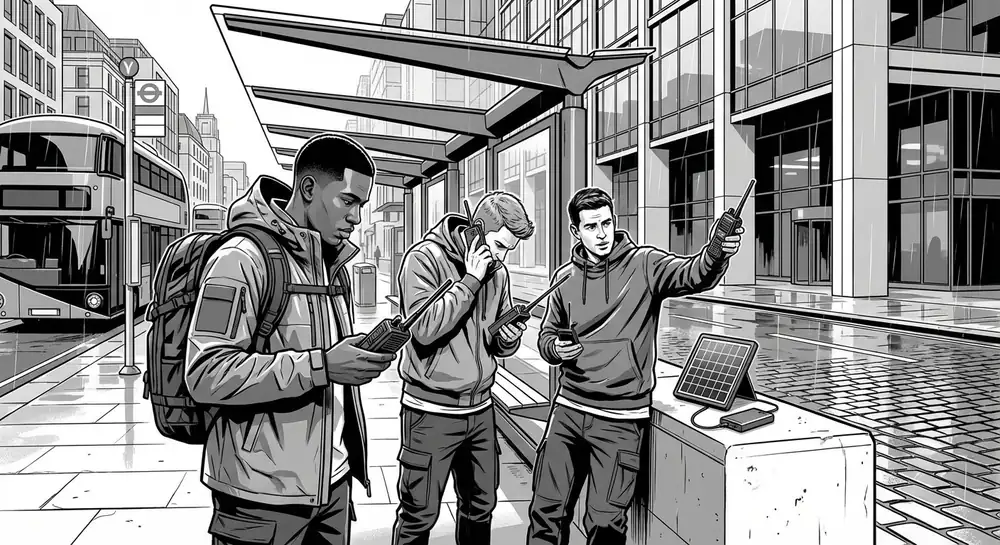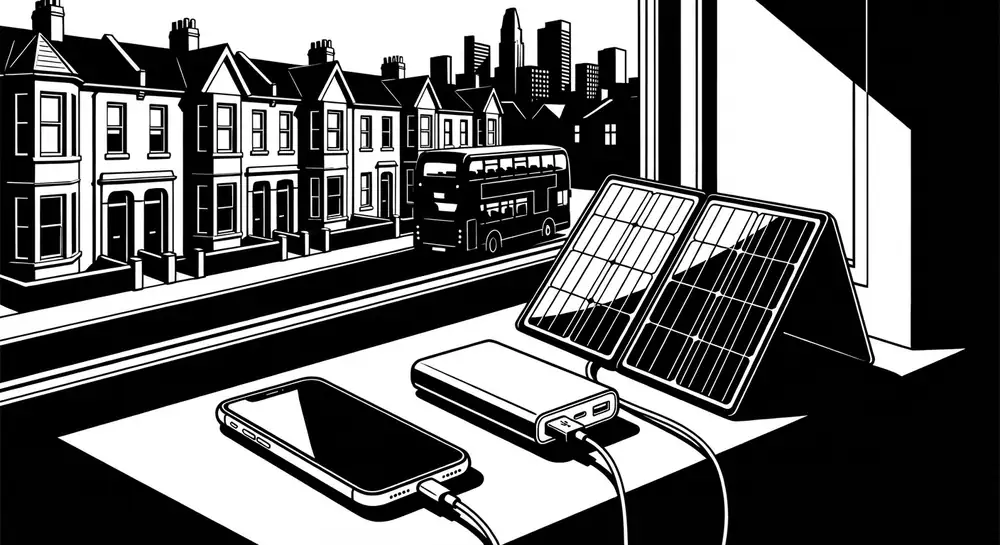
Your smartphone is arguably the single most useful item you own in an emergency. It's a torch, a map, a radio, a camera, a reference library, and a communication device — all in one pocket-sized package. But it's only useful while it has battery. And in a prolonged power outage, that battery is a ticking clock.
The good news is that with a bit of planning and some sensible habits, you can stretch a single phone charge from hours to days — and keep it topped up for much longer than most people expect.
How fast does your phone actually drain?
Before we talk about charging, let's talk about consumption. Most people have no idea how quickly their phone uses power in different scenarios.
| Activity | Approximate battery drain per hour |
|---|---|
| Screen off, aeroplane mode | 0.5–1% |
| Screen off, mobile signal active | 2–4% |
| Screen off, searching for weak signal | 5–10% |
| Screen on, browsing or reading | 8–15% |
| Active phone call | 5–8% |
| Torch (flashlight) on | 3–5% |
| GPS navigation (screen on) | 15–25% |
| Streaming video or music | 10–20% |
The single biggest drain is searching for a signal that isn't there. If the mobile networks are down — which is likely in a widespread power outage — your phone will burn through battery at five to ten times its normal idle rate trying to find a connection. This is the most important thing to understand.
Step one: switch to aeroplane mode
This is the most impactful thing you can do and it costs nothing. The moment you know the power is out and likely to stay out:
- Turn on aeroplane mode. This disables mobile, Wi-Fi, and Bluetooth radios.
- Turn Wi-Fi back on if your router still has power (some people have UPS-backed routers). Wi-Fi uses far less power than mobile data.
- Leave Bluetooth off unless you're actively using a Bluetooth device.
In aeroplane mode with the screen off, most modern smartphones will last 3–5 days on a full charge. That's an iPhone 15 or a Samsung Galaxy S24 — not a specialist device, just a normal phone.
When you need to check for messages or make a call, briefly turn off aeroplane mode, let the phone connect, check what you need to, and turn it back on. Five minutes of connectivity every few hours is far more efficient than leaving the radio on constantly.
Step two: reduce screen usage
The screen is the second biggest power drain after the radios. Every minute the screen is on costs you battery.
Practical steps:
- Turn brightness to minimum. Auto-brightness is usually fine, but manually setting it to the lowest usable level is better.
- Set the screen timeout to 15 or 30 seconds. Most phones default to 1–2 minutes.
- Use dark mode if your phone has an OLED screen (most modern phones do). OLED screens only light up coloured pixels — black pixels are truly off and use zero power.
- Avoid using the phone as entertainment. No games, no doom-scrolling, no videos. Save it for actual communication and information.
Step three: disable background activity
Even in aeroplane mode, your phone is doing things in the background — updating apps, syncing photos, running location services.
On iPhone:
- Go to Settings > General > Background App Refresh and turn it off entirely.
- Go to Settings > Privacy & Security > Location Services and set it to off (or "While Using" for essential apps only).
- Turn off "Hey Siri" (it keeps the microphone listening).
On Android:
- Go to Settings > Battery and enable Battery Saver or Extreme Battery Saver.
- Go to Settings > Location and turn it off.
- Go to Settings > Apps and restrict background activity for non-essential apps.
Most Android phones have a built-in "Ultra Power Saving" or "Extreme Battery Saver" mode that strips the phone down to calls, texts, and a clock. Samsung's version turns the screen black and white and limits you to six apps. It can stretch a 20% battery for an entire day.
Power banks: the essential prep
A power bank is the single most important piece of kit for keeping your phone alive in a power outage. It's cheap, requires no expertise, and works exactly when you need it.
What to buy
| Power bank capacity | Approximate phone charges | Typical cost | Weight |
|---|---|---|---|
| 5,000 mAh | 1 full charge | £8–12 | 120g |
| 10,000 mAh | 2–2.5 charges | £12–20 | 200g |
| 20,000 mAh | 4–5 charges | £18–30 | 350g |
| 26,800 mAh | 5–6 charges | £25–40 | 450g |
Recommended: A 20,000 mAh power bank is the sweet spot for most people. It gives you 4–5 full phone charges, weighs about as much as a tin of beans, and costs around £20–25. Anker, INIU, and Charmast all make reliable models available from Amazon, Argos, or Currys.
Buy two if your household has more than two smartphones. Keep one charged and ready to go at all times.
Keeping power banks charged
A power bank is useless if it's flat when you need it. Most power banks hold their charge well — you'll lose maybe 5–10% over several months. But get into the habit of:
- Topping it up once a month. Set a reminder on your phone (ironic, but effective).
- Charging it whenever you charge your phone overnight. Just plug them both in.
- Storing it at room temperature. Extreme cold (in the car in winter) or heat (on a sunny windowsill) degrades lithium batteries.
Important: cables
The most common reason a power bank fails you in an emergency is a missing or broken cable. Keep a charging cable permanently attached to or stored with your power bank. Don't borrow it for daily use — buy a spare cable (they're £3–5) and dedicate it to your emergency kit.
Solar chargers: worth it?
Solar chargers are appealing in theory — unlimited free power from the sun. In practice, their usefulness in the UK is limited but not zero.
The reality of solar charging in Britain
The UK gets an average of about 1,400 hours of sunshine per year — roughly 3.8 hours per day. But that's an average. In December and January, you might get 1–2 hours of weak sunshine. In summer, you could get 6–8 hours of strong sun.
A typical portable solar panel (20–30 watts) will charge a phone in about 3–5 hours of direct sunlight. In overcast conditions — which is most UK days — output drops to 10–30% of rated capacity. That means a "3-hour charge" could take 10–30 hours in reality.
When solar makes sense
- As a supplement to power banks, not a replacement. Use the power bank first, solar to top it up.
- In summer. A solar panel is genuinely useful from April to September in the UK.
- If you have a south-facing window or garden. You need to position the panel to catch whatever sun there is.
What to buy
A foldable 20–28W solar panel from a brand like BigBlue, Anker, or RAVPower costs £40–60 and is about the size of a folded newspaper. Look for one with built-in USB ports so you can charge a power bank or phone directly.
Don't buy cheap "solar power banks" (power banks with a tiny solar panel built in). The panel is too small to generate meaningful power — it would take literal weeks of sunshine to charge the internal battery via the solar panel. They're a gimmick.
Hand-crank chargers and dynamos
Hand-crank USB chargers exist and they do work — but they're exhausting. Expect to crank for about 10–15 minutes to get 1–2% of phone battery. That's a lot of effort for very little reward.
They're worth having as an absolute last resort (a Duronic model costs about £15–20 from Amazon), but don't rely on them as a primary charging method. Your arm will give up long before your phone is full.
Car charging
If you have a car, you have a large battery and an alternator. A standard USB car charger (£5–10 from any petrol station or Halfords) will charge your phone from the 12V socket.
Without running the engine
A typical car battery holds about 500–700 Wh of usable energy. Your phone battery is about 15–20 Wh. So in theory, you could charge your phone 25–35 times from a car battery without running the engine.
In practice, you don't want to drain the car battery below about 50% or you won't be able to start the car. So you've got maybe 12–15 phone charges available.
With the engine running
Running the engine at idle for 15–20 minutes will charge a phone significantly and barely use any fuel. If you need to charge multiple devices, start the car and plug them all in. A litre or two of petrol gives you hours of charging.
Safety note: Never run a car engine in a closed garage. Carbon monoxide is odourless and lethal. Always ensure good ventilation.
Prioritise what you use your phone for
In a prolonged outage, think of your phone battery as a finite resource — like water or food. Use it for high-value activities only:
High priority (worth the battery)
- Receiving emergency alerts and information (briefly turn off aeroplane mode to check)
- Communicating with family — short calls or texts to confirm everyone is safe
- Torch — more efficient than candles and much safer
- Maps and navigation — if you need to travel (download offline maps beforehand)
- Taking photos — documenting damage for insurance, recording important information
Low priority (save battery)
- Social media
- Games and entertainment
- Non-essential browsing
- Video calls (use voice calls instead — far less battery)
- Streaming music (use downloaded content if you must)
Before the power goes out: preparation checklist
These things cost almost nothing and take minutes, but they make an enormous difference:
- Charge your phone and power bank to 100% — do this whenever a storm or disruption is forecast. If severe weather is predicted, charge everything the night before.
- Download offline maps — Google Maps and Apple Maps both allow you to download areas for offline use. Download your local area and any routes you might need to travel.
- Download key documents — photos of insurance documents, emergency contact numbers, medical information, your household's important reference material.
- Download entertainment — if you have children, a few downloaded episodes of something on a tablet can be invaluable for keeping them calm. But do this before the power goes out, not after.
- Know where your cables are — phone charger, power bank cable, car charger. Put them in one place.
- Enable Wi-Fi calling — if your phone and network support it (most UK networks do: EE, Three, Vodafone, O2), Wi-Fi calling uses far less power than a mobile signal and works even when cell towers are down, as long as your router has power.
The bottom line
Your phone is too valuable to let it die in the first 12 hours of a power cut. With aeroplane mode, reduced screen use, and a £20 power bank, you can realistically keep a smartphone running for one to two weeks without mains power.
That's two weeks of torch, communication, information access, and emergency alerts — from a device that fits in your pocket. There is no simpler, cheaper, or more effective prep than keeping your phone alive.