We take mobile phones for granted. Text someone, get a reply. Make a call, it connects. But mobile networks are surprisingly fragile — and in a serious emergency, they're often one of the first things to fail.
Understanding why they fail and what alternatives exist puts you miles ahead of most people when it matters.
Why mobile networks fail in emergencies
There are three main reasons mobile networks go down during a crisis, and they often happen simultaneously.
1. Power failure at cell towers
Every mobile phone mast needs electricity. Most have battery backup that lasts 2–8 hours, depending on the operator and site. A few critical sites have diesel generators. But the vast majority do not.
In the UK, Ofcom estimates that roughly 65% of mobile sites would lose service within 4–8 hours of a sustained power cut. After 24 hours without grid power, coverage would be severely degraded.
2. Network congestion
Even if the towers stay up, the network has limited capacity. In a crisis, everyone tries to call at once. The network that comfortably handles your daily calls was designed for 5–10% of users making calls simultaneously. When 50% try at once, the system collapses.
This happened during the London bombings in 2005, the Manchester Arena attack in 2017, and during severe flooding events. The networks didn't technically "fail" — they were just overwhelmed.
3. Backhaul failure
Cell towers connect to the wider network via fibre optic cables or microwave links. Physical damage — from flooding, storms, or infrastructure failure — can sever these connections. The tower might have power, your phone might show signal bars, but nothing goes through.
What still works when mobile networks don't
The good news is that several communication methods don't depend on mobile networks at all. Some are free, some cost a little, and all of them are worth knowing about.
Wi-Fi calling and messaging
If your home broadband is still working — perhaps because your router is on a UPS or you have a separate power source — Wi-Fi calling bypasses the mobile network entirely.
How to enable it:
- EE: Settings > Phone > Wi-Fi Calling (iPhone) or Settings > Connections > Wi-Fi Calling (Android)
- Three: Usually enabled by default on supported handsets
- Vodafone: Settings > Phone > Wi-Fi Calling
- O2: Settings > Phone > Wi-Fi Calling (iPhone only on some plans)
Wi-Fi calling uses your normal phone number. The person you're calling doesn't know the difference. It also works for texts.
Messaging apps like WhatsApp, Signal, and Telegram all work over Wi-Fi with no mobile signal needed. If you can get any kind of internet connection — home broadband, a neighbour's Wi-Fi, a public hotspot — these apps will work.
Limitation: This only works while the broadband network is up. In a prolonged power outage, your local telephone exchange and the wider broadband infrastructure will eventually lose power too. BT exchanges typically have battery backup for 4–8 hours and some have generators, but many smaller cabinets and distribution points do not.
Landline telephones
Traditional copper landlines (the old-style ones that plug into a BT socket) are powered by the telephone exchange, not your home electricity. If you have one, it will likely work for several hours after a power cut — even when your broadband router is dead.
Important caveat: BT is switching the entire UK to digital phone lines (Voice over IP) by the end of 2027 as part of the Digital Voice migration. Digital phones require a powered router to work, so this advantage is disappearing. If you've already been migrated to Digital Voice, your landline will die when your router loses power — just like your broadband.
If you still have a copper landline, keep an old corded phone (not a cordless one — those need mains power for the base station). A basic corded phone from Argos or a charity shop costs a few pounds and could be invaluable.
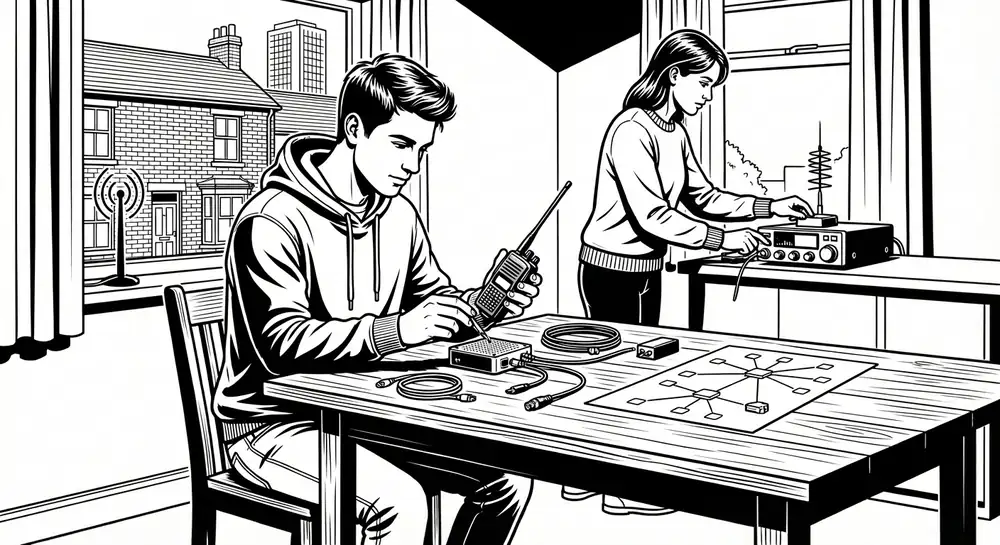
PMR446 walkie-talkies
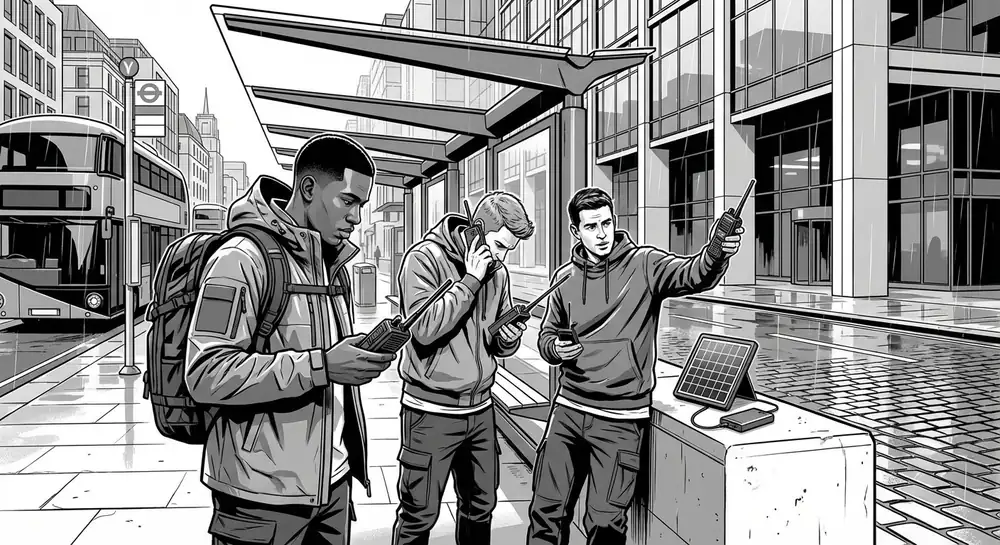
PMR446 (Private Mobile Radio, 446 MHz) radios are licence-free two-way radios that anyone can buy and use in the UK. They're the walkie-talkies you see in shops — Motorola, Binatone, Cobra, and others all make them.
Key facts:
- No licence needed. Completely legal for anyone to use.
- Range: 1–3 km in built-up areas, up to 5–10 km with line of sight (hilltop to hilltop). Manufacturers claim "up to 10 km" but in a town with buildings, expect 1–2 km realistically.
- Cost: £20–50 for a pair of decent radios. Motorola TALKABOUT T82 or T62 are solid choices, available from Argos, Amazon, or Halfords.
- Power: Run on AA batteries or built-in rechargeable batteries. A set of good AAs (Energizer Lithium) will last 20–30 hours of use.
- No infrastructure needed. They work radio-to-radio with no towers, no internet, no network.
Best for: Communicating with family members, neighbours, or a local group within a few kilometres. Agree on a channel and a check-in time in advance — for example, "Channel 8, every day at 9 AM and 6 PM."
Limitations: Short range. No privacy (anyone on the same channel can hear you). Limited to 0.5 watts of power by law.
Amateur (ham) radio
If you want longer range — tens of kilometres or even worldwide — amateur radio is the gold standard for emergency communication. But it requires a licence.
Getting licensed in the UK:
- The Foundation Licence is the entry level. It takes a weekend course and a short exam, run by clubs affiliated with the Radio Society of Great Britain (RSGB).
- Cost is around £27.50 for the exam, plus any course fees (many clubs run them for free or a small donation).
- A Foundation Licence allows you to transmit at up to 10 watts on a wide range of frequencies, giving you reliable communication over 20–50 km and much further in good conditions.
What you can do with a Foundation Licence:
- Talk to other licensed operators across the UK using repeater networks (radio relay stations, many of which have independent power).
- Reach much further than PMR446 — from a handheld, expect 10–30 km via repeaters.
- Access emergency communication networks like RAYNET (Radio Amateurs' Emergency Network), which supports the emergency services during disasters.
Recommended starter kit: A Baofeng UV-5R handheld radio costs about £20–25 from Amazon. It's not the best quality, but it's functional and gets you on the air. Budget about £100–150 for a better handheld like a Yaesu FT-65 or Icom IC-T10.
Important: You must not transmit on amateur radio frequencies without a licence. Listening is legal for anyone — transmitting without a licence is a criminal offence under the Wireless Telegraphy Act 2006.
FM and DAB radio (receive only)
You can't talk via a broadcast radio, but you can receive critical information. In a major emergency, BBC Radio 4 (93.5 FM in most of the UK) is the primary emergency broadcast channel. Local BBC radio stations also carry emergency information.
Keep a battery-powered or hand-crank FM radio in your emergency kit. A basic wind-up radio from a brand like Duronic or Sangean costs £15–25 and doesn't need batteries or mains power.
DAB radio requires more battery power and has slightly less coverage than FM in rural areas, so FM is the more resilient choice.
Physical messages and signals
Don't overlook the simplest methods:
- Walk to your neighbours. In a localised emergency, the most reliable communication method is walking 30 seconds to the next door and knocking.
- Leave visible notes. If you need to leave your home, leave a note on the door saying where you've gone and when you expect to return. Use a waterproof bag or tape it inside a window.
- Pre-arranged signals. Agree with close neighbours on simple visual signals — a specific item in a window meaning "we're okay" or "we need help." This sounds old-fashioned, but it works without any technology at all.
Building a family communication plan
The most important thing you can do — before any emergency — is agree on a plan with your household and close family.
The basics
-
Designate an out-of-area contact. Choose a friend or family member who lives at least 50 miles away. In a localised emergency, they'll likely still have phone service. Everyone calls or texts that person with their status. It's much easier to get one message out than to reach multiple people.
-
Agree on a meeting point. If you can't communicate and need to regroup, where do you go? Pick somewhere obvious — your home, a specific pub, a local landmark.
-
Set check-in times. If using PMR446 radios, agree on specific times and a channel number. For example: Channel 8, sub-channel 1, at 09:00 and 18:00 daily.
-
Write it down. Don't rely on digital contacts stored in your phone. Write key phone numbers on a card and keep it in your wallet. Include your out-of-area contact, your GP, your children's school, and your local council emergency line.
Text before you call
If the mobile network is congested but not completely dead, text messages are far more likely to get through than calls. A text uses a tiny fraction of network capacity compared to a voice call. Send a brief text — "Safe at home, no power, all ok" — before attempting a call.
What to do right now
You don't need to spend much money or time to be dramatically better prepared for a communications failure:
- Enable Wi-Fi calling on your phone (free, takes 30 seconds).
- Buy a pair of PMR446 radios (£25–40) and agree on a channel with your household or neighbours.
- Buy a battery or wind-up FM radio (£15–25) so you can receive emergency broadcasts.
- Write down key phone numbers on a physical card in your wallet.
- Agree on an out-of-area contact with your family and make sure everyone has the number.
- Keep a corded landline phone if you still have a copper phone line (before the Digital Voice migration makes it redundant).
None of this is exotic or expensive. A pair of walkie-talkies, a wind-up radio, and a written contact card will put you ahead of 95% of the population when the networks go silent.
The bottom line
Mobile networks are convenient, but they're not resilient. They fail in exactly the situations where you need communication most. The alternatives — Wi-Fi calling, PMR446 radios, FM broadcast radio, and simple physical communication — are cheap, simple, and reliable. Set them up now, while everything still works.